
SturdyGB v0.3.0 - A new modern frontend
I’m excited to announce SturdyGB 0.3.0! This is a massive milestone release that brings several improvements that I’m very happy with.
Here are the highlights of this new release:
New GUI
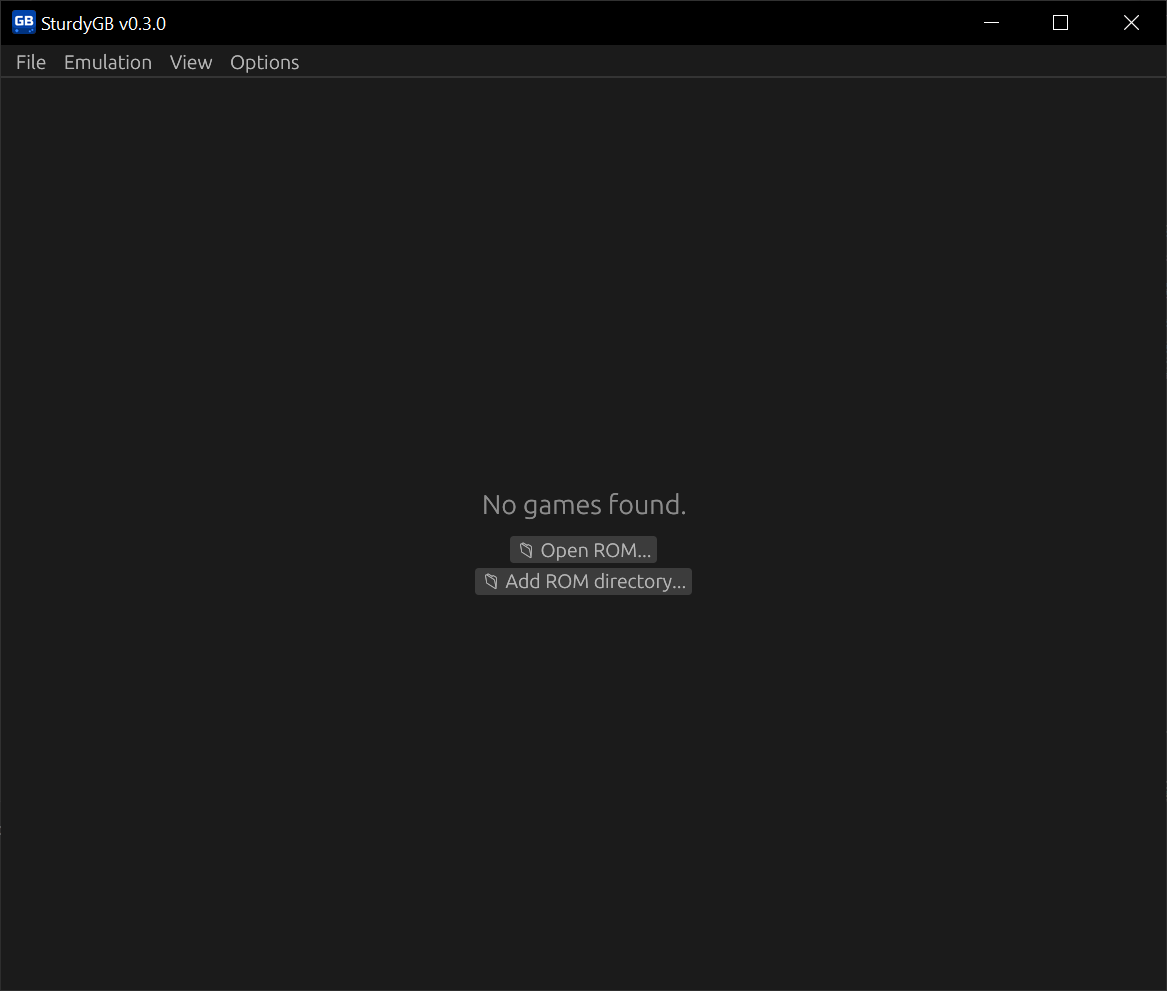
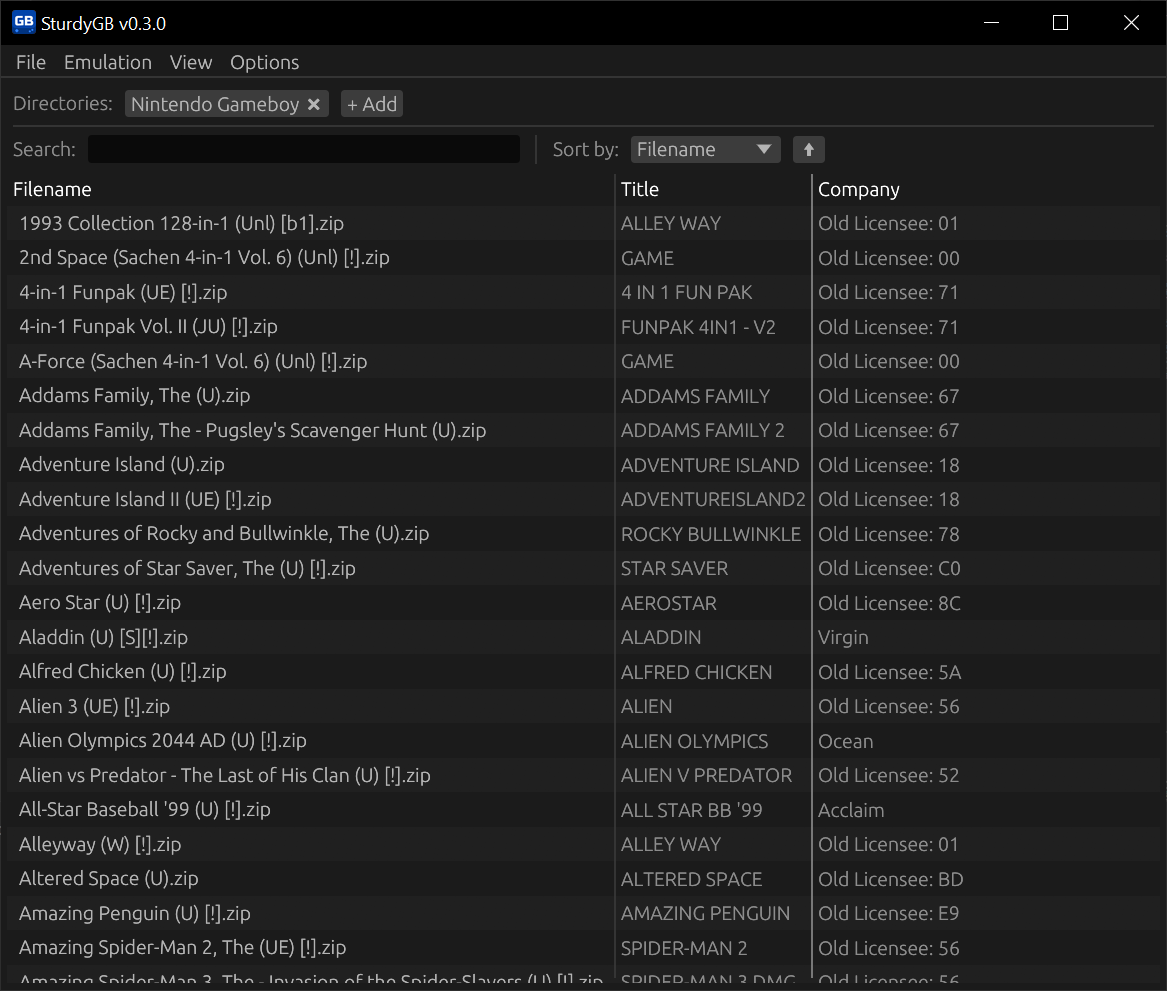
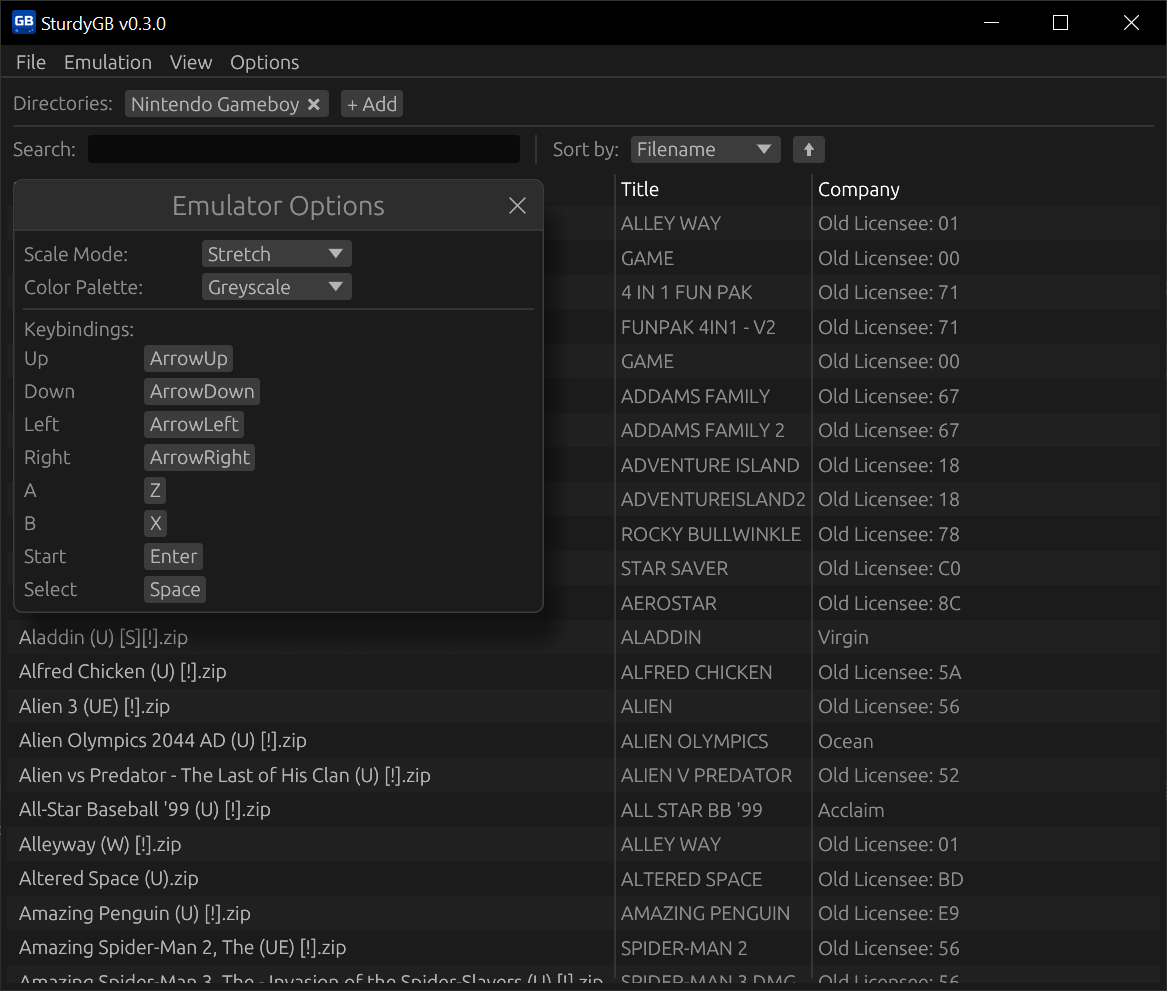
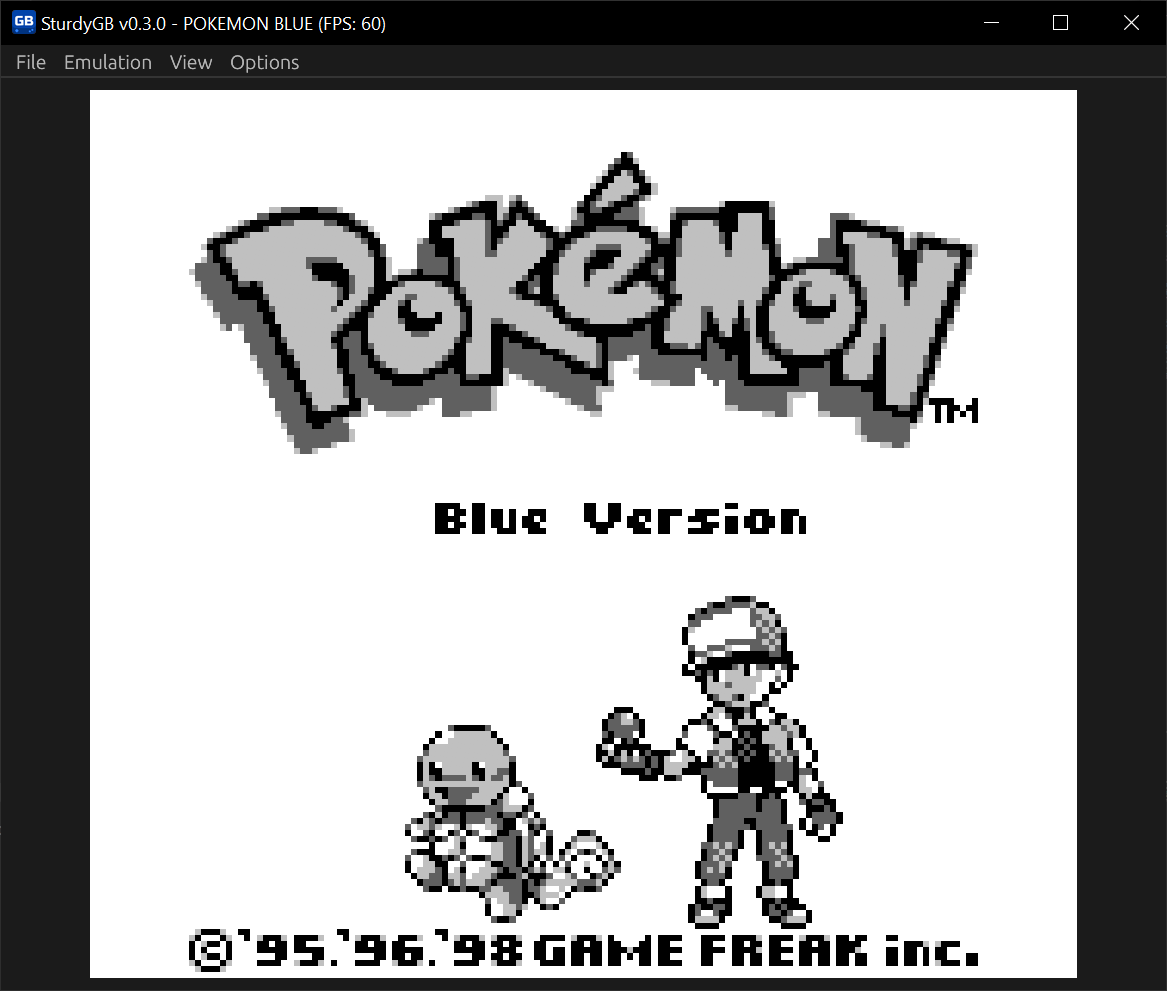
The feature I’m most excited about is the new egui-based frontend!
|
|
|
|
This new frontend replaces the old notan-based implementation. notan is a great library, but the lack of development and support on the project made me want to look for viable alternatives for a frontend. egui ended up being a great replacement, and it didn’t need an external library for rendering the game. As a plus, this library also enables me to create a debugger in the future.
With the new frontend, you can:
- Start the emulator without the terminal (finally)
- Load your ROMs from a file and a directory, creating a Game library that is present in most modern emulators like PCSX2, Dolphin, and DuckStation (but I’ve never seen a GameBoy emulator do this)
- Customize your controls (no joypad support yet, unfortunately)
- Change the color palette of the games (Greyscale, Classic Green, Pocket (Green/Grey))
- Change the scale of the game render window up to 6x, or make it resize with your window (preserving aspect ratio)
- Pause, stop, resume, and reset the emulation
- Fullscreen support
I’ve also added the new emulator logo to the executable and window, so it’s not just a generic window anymore.
macOS and Windows on ARM support
One of the bad things about notan is that it would not compile on macOS (it depends on OpenGL, which is not supported on mac). But this is no longer an issue with egui! SturdyGB now runs on macOS (ARM and x86).
Previous builds already included Linux on ARM, but I forgot to target Windows on ARM. So, on this release, I changed the workflow to include builds for Windows on ARM devices as well, so everyone is covered!
As a bonus, I’ve also added x86 AppImage support for Linux.
Perhaps on the next one I can also look to support Raspberry Pi and other devices. I still haven’t tested it on these devices.
Support for ZIP files
This is a small but nice addition. You can now load ROMs directly from a ZIP file, without needing to extract them first.
WASM support
To wrap up the series of changes from this release, I’ve also added support for WebAssembly (WASM), allowing you to run SturdyGB directly in your browser! You can try it out here.
For WASM builds, a few of the newest features are not supported, such as:
- Loading ROMs from a directory (you can still load them from a file and ZIP file)
- Fullscreen support
But you can play your games online without needing to download anything! I count that as a win.
Bug fixes
-
Whoops. I made a very silly mistake on the implementation of interrupt handling, which caused the emulator to not pass blargg’s
cpu_instrstest suite: especially02 - interrupts. It didn’t seem to affect a few games, but this is a major regression from one of my earlier attempts in 2023. The emulator now passes all thecpu_instrstests!There are a few tests I’m looking into for the next releases, but they are tied to other improvements.
-
Fixed a regression that made the emulator not able to load saved games.
Download
You can download the latest binaries over on the Releases page or compile from source.
Or you can try SturdyGB directly from your browser by heading to the Play Online page.
If you enjoyed this release, consider giving it a star on GitHub!
For the next releases we have a list of priorities:
- PPU accuracy (for more stubborn games that don’t run well yet)
- Joypad support
- Debugger
- Save states
- Rewind/Fast-forward
- Android build (? who knows)
Thank you very much!
See ya in the next one!