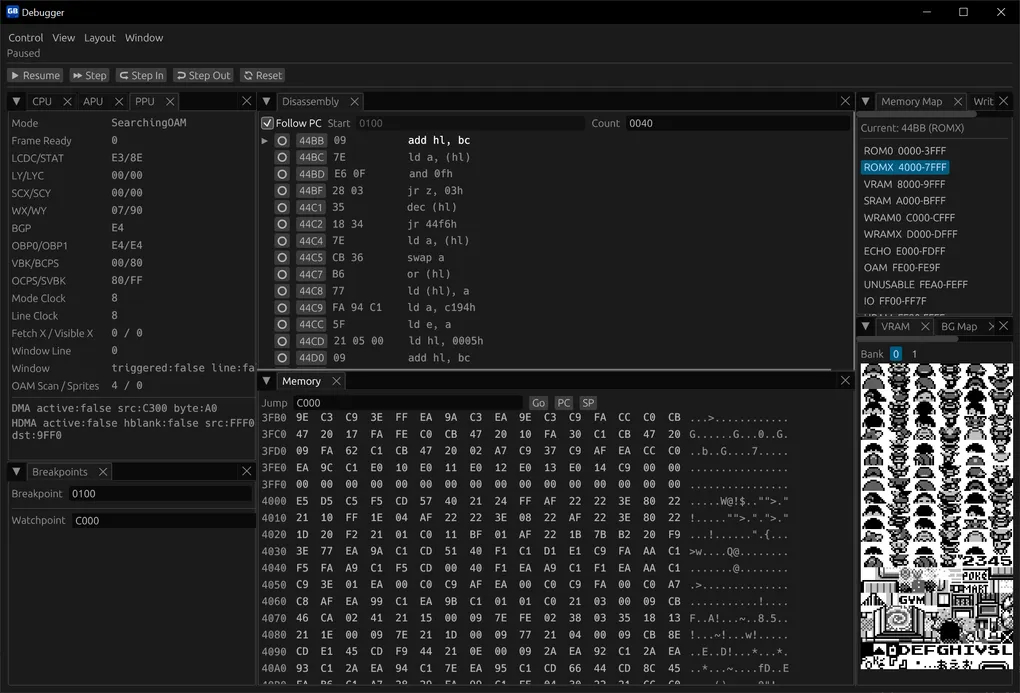
SturdyGB v0.4.0 - Debugger, CGB support, and visual test tooling
I’m happy to announce SturdyGB 0.4.0.
This release is centered around three major goals: making the emulator easier to inspect and debug, pushing emulation accuracy further, and supporting more of the Game Boy family properly.
Without further ado, let’s get to it:
Game Boy Color support
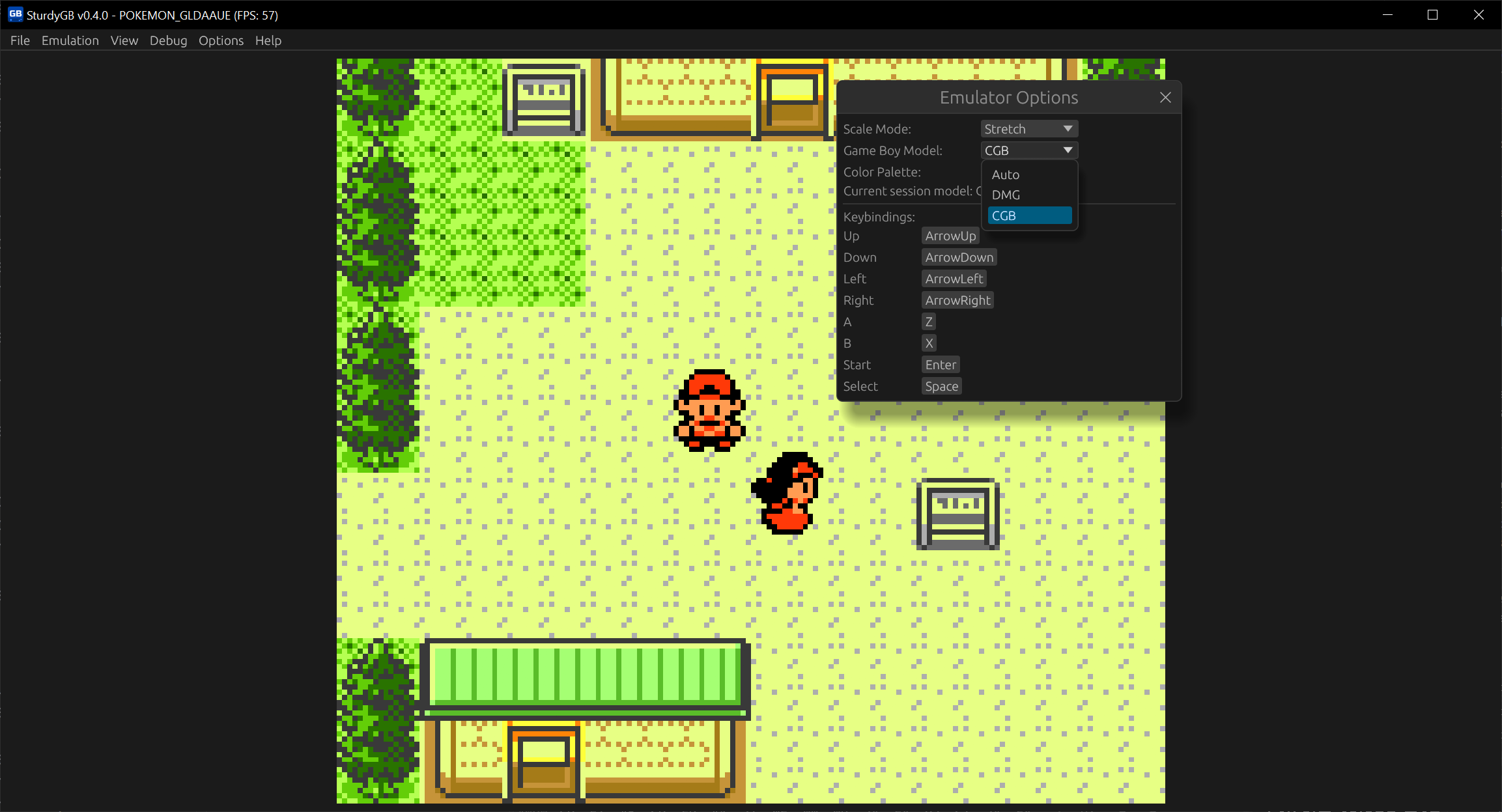
This version adds proper Game Boy Color support, so SturdyGB can now run CGB games as well instead of focusing only on the original DMG side of things.
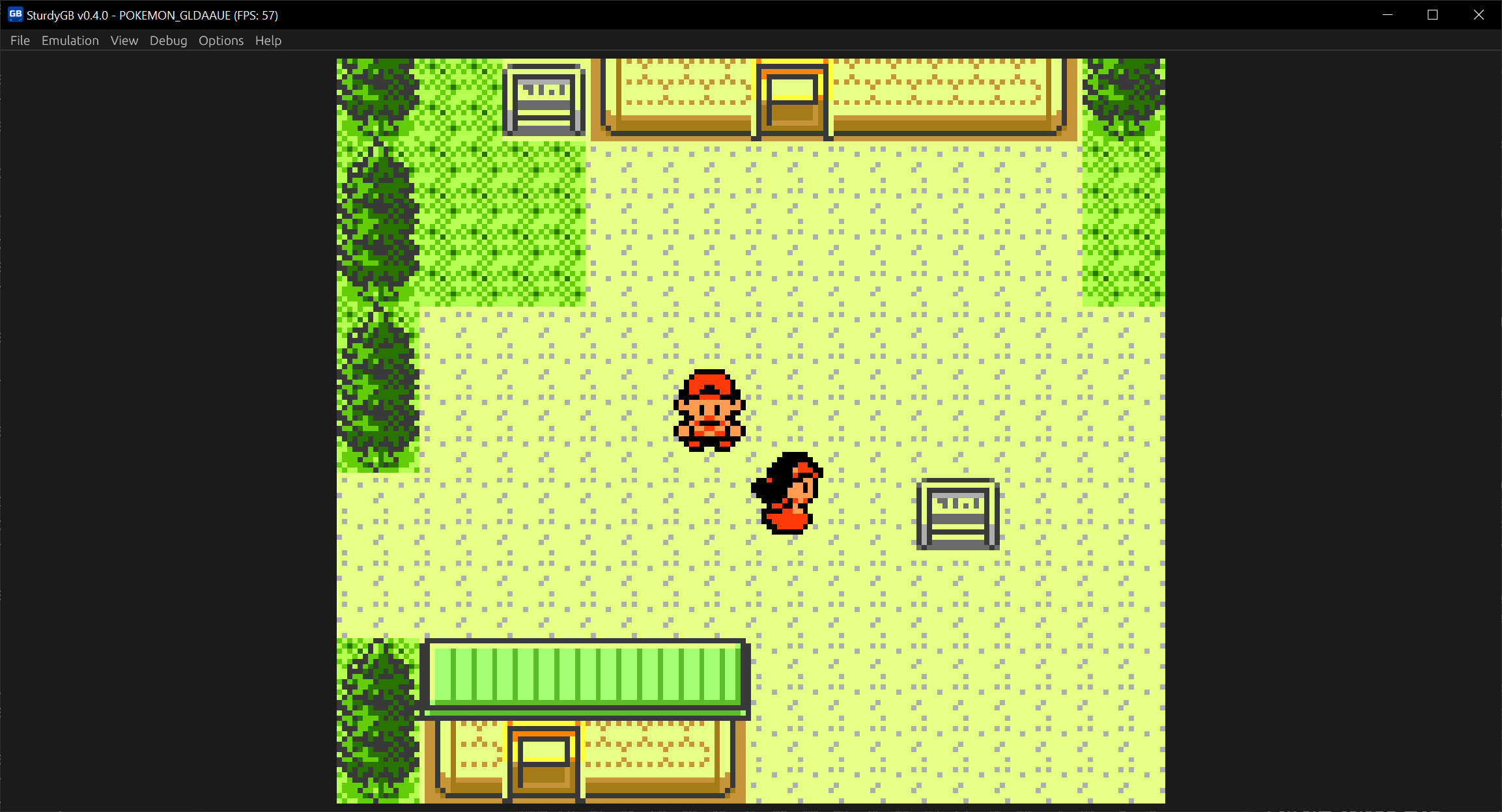
You can also change the Game Boy model in the Options menu, choosing between the original DMG model and CGB. Or you can let the emulator pick automatically with the Auto option. Right now, dual-mode games that also run on DMG will still default to DMG in Auto mode.
Integrated debugger
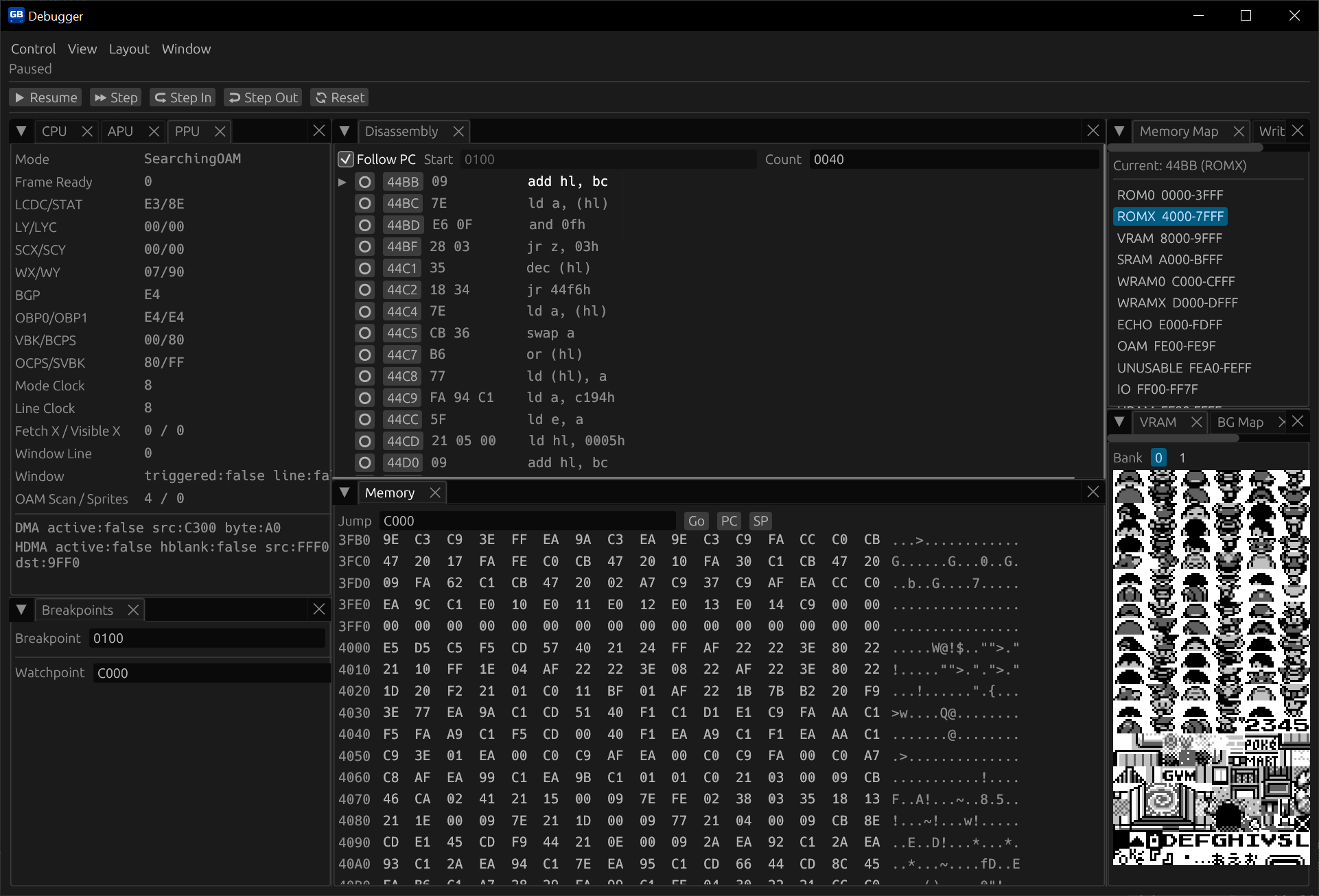
The biggest addition in this release is a built-in debugger UI with dockable panels for:
- CPU
- PPU
- APU
- Disassembly
- Memory
- Memory map
- VRAM
- BG map
- OAM
- Breakpoints
- Recent memory writes
The debugger also adds controls for pause and resume, step, step in, step out, breakpoints, watchpoints, and you can also detach it from the main window to make it a standalone window and make it easier to debug (not available on WASM builds).
This gives SturdyGB a much better foundation for emulator development, debugging tricky game behavior, and building more tooling on top later.
PPU rework
The PPU has been substantially reworked around a pixel FIFO renderer. That makes rendering behavior much closer to the real hardware and helps with games such as F1 Race, The Legend of Zelda: Oracle of Seasons, and others that rely on more accurate mid-scanline behavior.
Automated visual regression tooling
Another major addition in 0.4.0 is automated visual test capture tooling to help test the emulator against major test suites.
This tooling covers the following test suites:
blarggacid2- Curated
mooneyesuites
This automated testing pipeline should make regressions much easier to catch and gives the project a better way to track accuracy over time. There is still a lot of work left to do, but the basic coverage is in place now and it will make future emulator work much easier to validate.
Developer notes
- WASM builds can now import and export save files. Due to a browser limitation, we can’t load .sav files with the .gb or .gbc files, so you need to manually load them to keep playing your game.
- Fixed a regression in battery-backed save handling that could hurt performance in games like Pokémon Gold, Silver, and Crystal.
- Fixed an out-of-bounds read that could crash the emulator in Donkey Kong Land 2, while also hardening this area of the code a bit more.
- The frontend infrastructure was refactored substantially to support the debugger and any future tooling.
- Fixed macOS builds with proper notarization and package signing.
Download
You can download the latest binaries from the Download page.
Or you can try the browser build on the Play Online page.
If you enjoy the project, consider giving it a star on GitHub! Thank you very much for your support!
See ya in the next one!